How to register an account (Company Owner)
How to register an account (Company Owner)
This guide shows you how to sign up for Sports School Manager and complete the onboarding wizard — creating your account, your company, and your first school. You can follow the written steps below or watch the video walkthrough.
Video walkthrough
▶ Watch “How to Sign Up & Set Up Your Account” on YouTube
Step 1 — Start registration
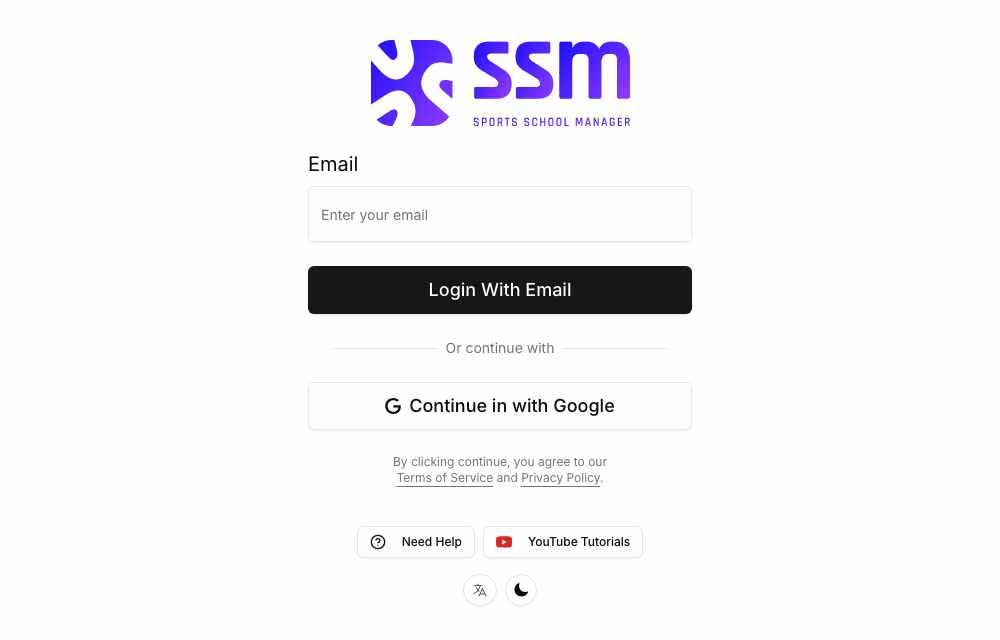
Open your browser and go to app.sportsschoolmanager.com. On the Sign In / Sign Up screen you have two options:
- Continue with Google — click the button and follow Google’s secure sign-in steps.
- Login with Email — enter your email address and click Login with Email. Then open the email from Sports School Manager and click the Sign In link.
Step 2 — Create your profile
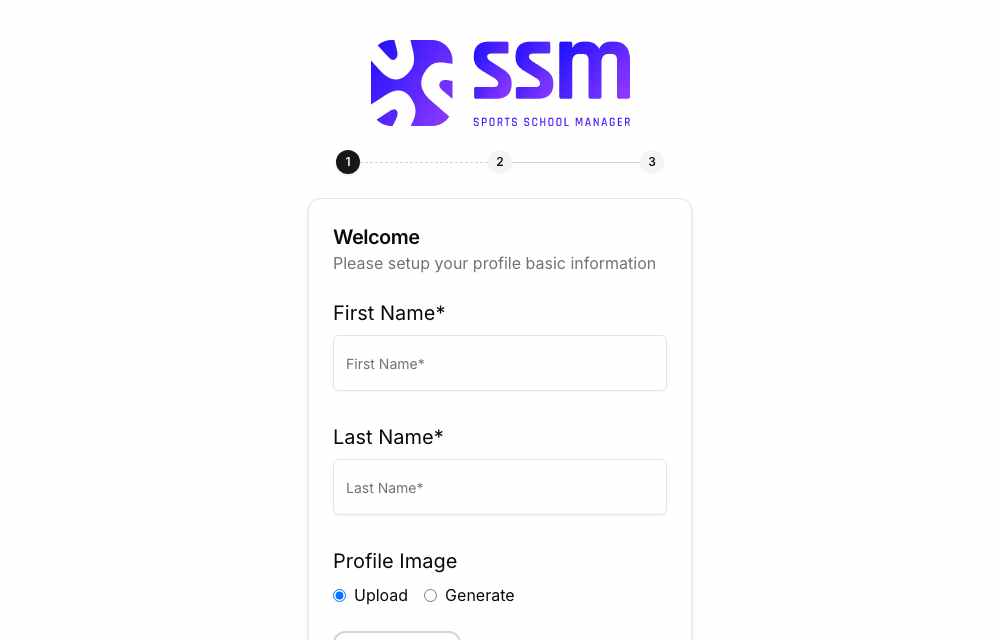
You’ll be guided to the onboarding wizard. Enter your First Name and Last Name, then select Next.
Step 3 — Set up your company
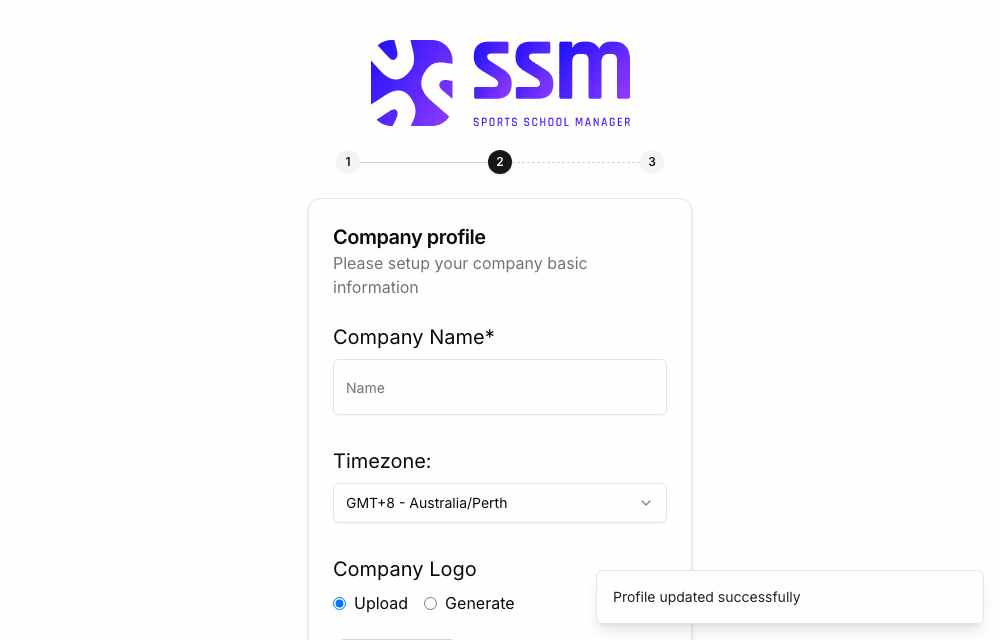
Enter your Company Name. If needed, choose your Time Zone to match your location, then select Next.
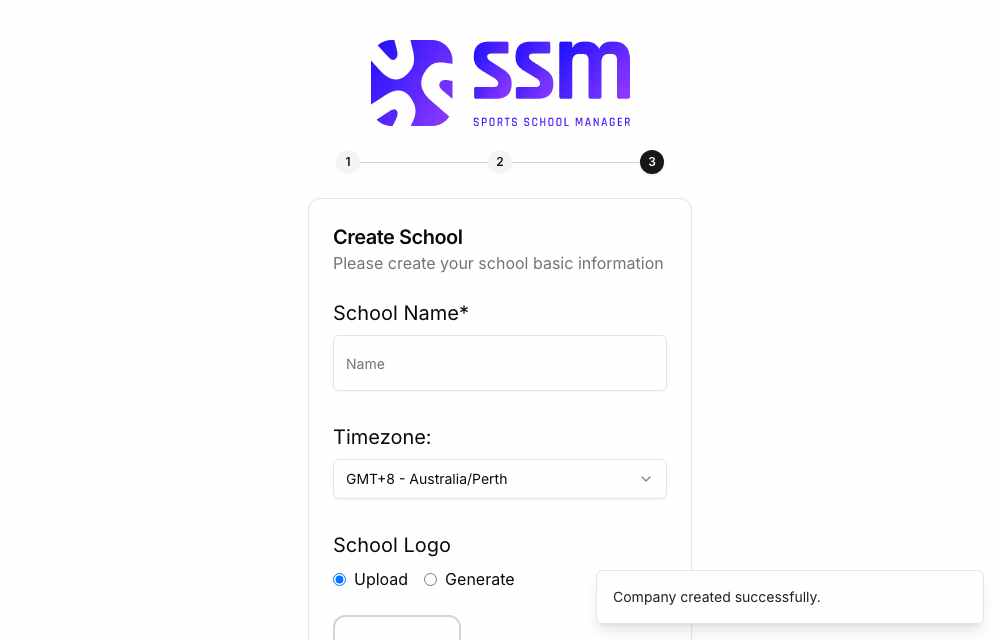
Step 4 — Set up your school
Enter your School Name and confirm your Time Zone if required. When everything looks right, select Finish.
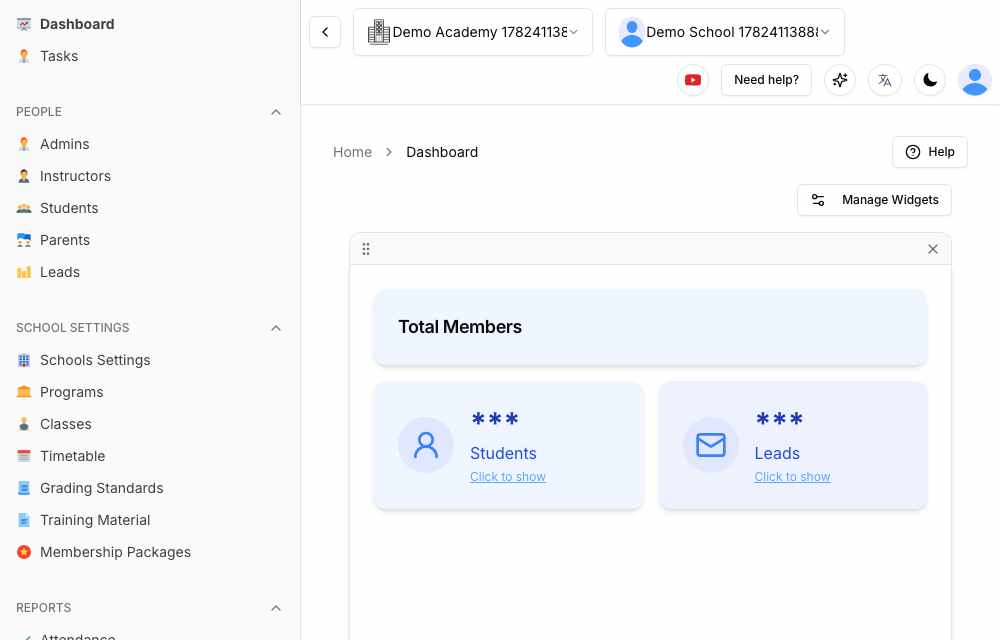
Step 5 — Your dashboard
You’ll arrive at your main dashboard. From here you can manage your students, programs, classes, attendance, subscriptions, communication, and payments — all from one central place. Your setup is complete and your school is ready.
Learn more at www.sportsschoolmanager.com · More video tutorials on our YouTube channel.